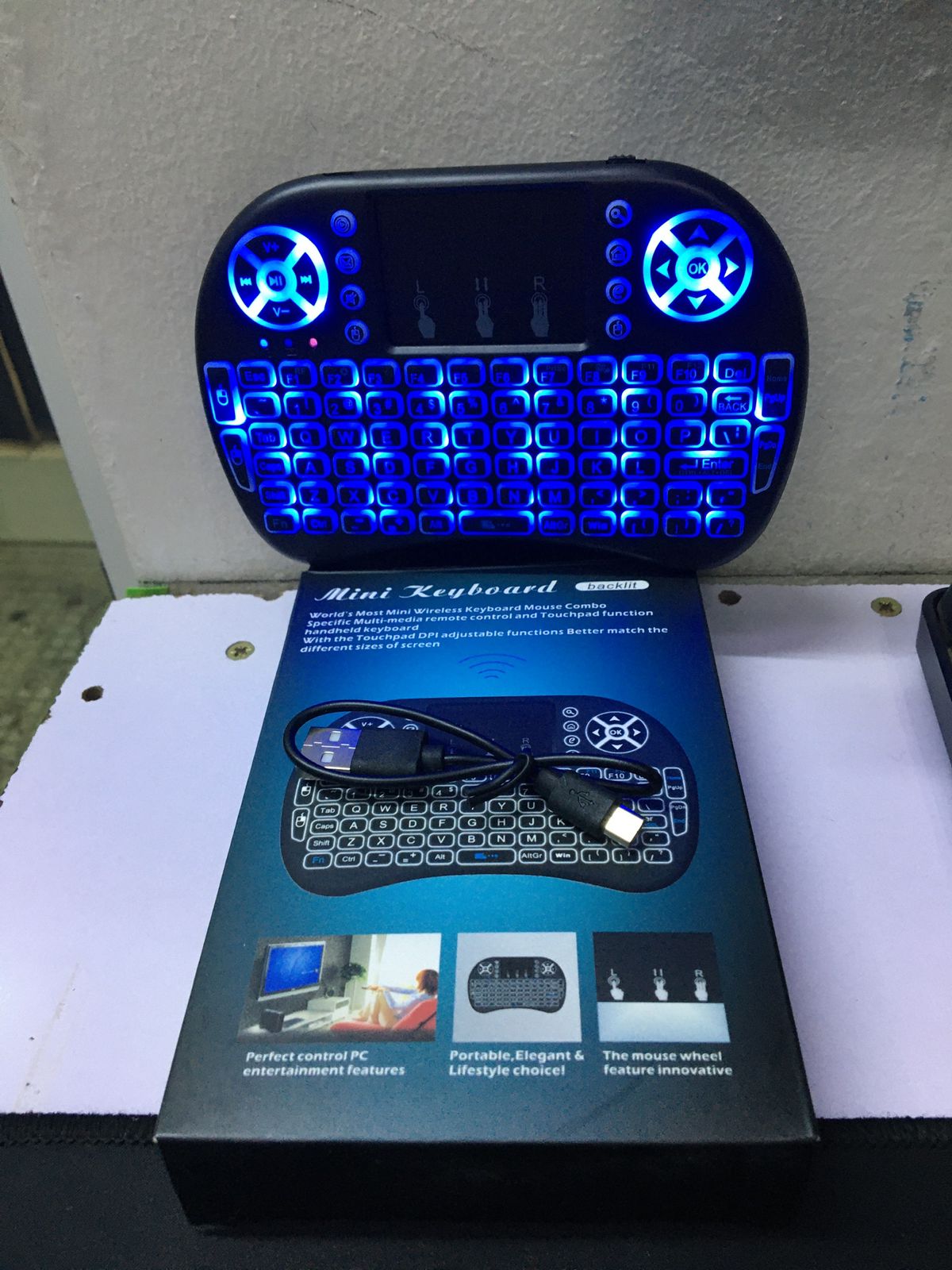
android backlit keyboard
android backlit keyboard s a physical accessory that connects to an Android device, featuring integrated LED lights that illuminate the keys to improve visibility in low-light conditions. These keyboards enhance usability for tasks like typing at night or in dim environments, often allowing users to adjust brightness or color settings and providing a comfortable, ergonomic typing experience
Nationwide
Delivery
Cash / M-Pesa
on Delivery
1 Year
Warranty
Expert Support
Mon-Sat
android backlit keyboard specs:
n
key features:
nIlluminated Keys:Backlit keyboards have built-in LEDs beneath the keys, projecting light through the keycaps to make the characters and symbols visible.
n
nLow-Light Enhancement:The primary benefit is improved readability in dark or dimly lit environments, reducing eye strain and making it easier to find the correct keys.
n
nAdjustable Settings:Many Android backlit keyboards offer adjustable brightness levels and, in some cases, customizable colors (often associated with RGB backlighting), which can be controlled via function keys or dedicated buttons.
n
nErgonomic Design:Beyond the lighting, these keyboards are often designed for comfortable and efficient typing, with features like scissor-action keys and ergonomic layouts.
n
nPower Management:To conserve the built-in rechargeable battery, some models include an auto-sleep function that turns off the backlight after a period of inactivity.
n
android backlit keyboard Specifications
n
n
n
n
n
n
How to Use and Find
nFind the Symbol:
n
nLook for a small icon on the keyboard, often a lightbulb or a key cap with lines emanating from it, to identify the backlit keys.
n
nAdjust Settings:
n
nPressing the designated key (sometimes in conjunction with the Function key, or Fn) typically cycles through different brightness levels.
n
nFind More Options:
n
n Advanced models may have separate keys or key combinations to change colors.
n
nCharge and Connect:
n
nMost backlit keyboards for Android devices are wireless and connect via Bluetooth. They contain a built-in rechargeable battery that needs to be charge
Related Products